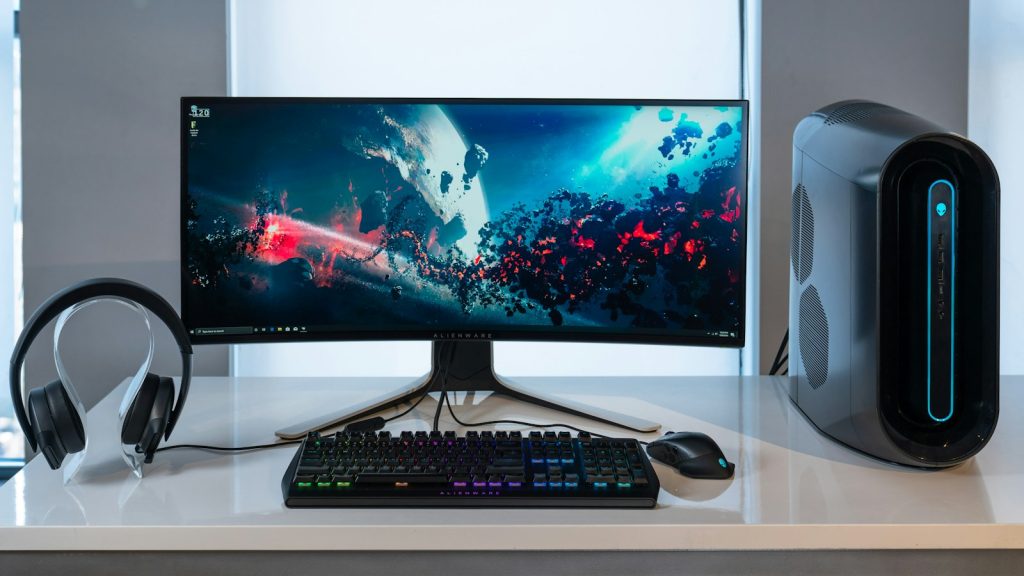
RDP Audio or Microphone Not Working? Test Input and Output Separately
Fix RDP sound and microphone problems by testing local devices, playback redirection, recording permissions, and the application separately.
Read articleRead RDP Technical Tutorials articles from ClovRDP.
RSS feedFix RDP sound and microphone problems by testing local devices, playback redirection, recording permissions, and the application separately.
Read article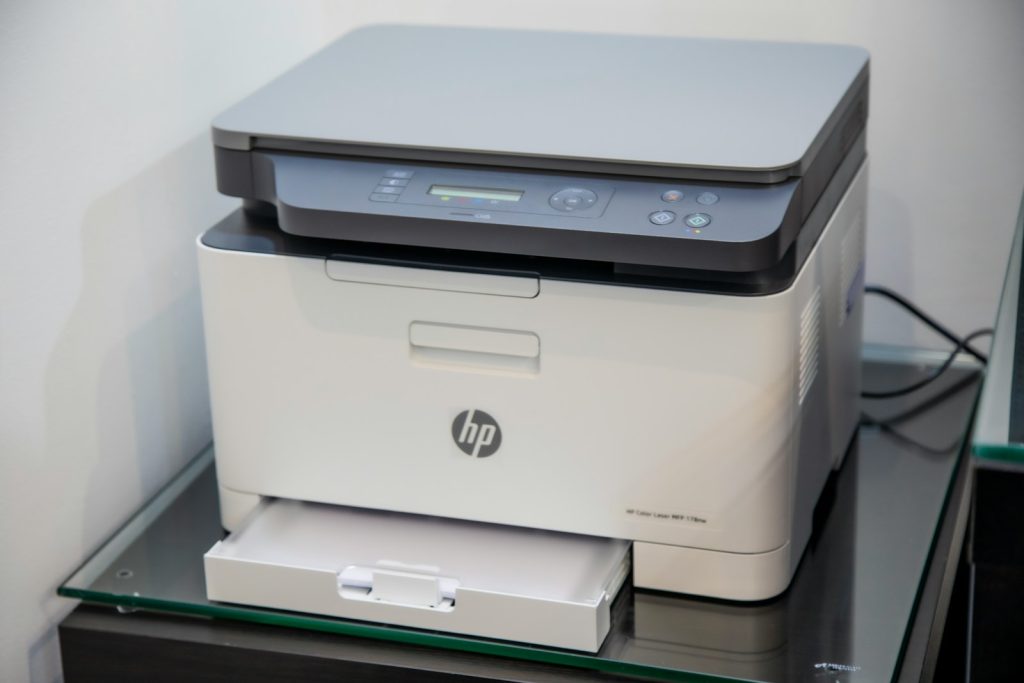
Set up approved RDP printer redirection, test local and remote queues, and avoid exposing a home or office printer directly to the internet.
Read article
Investigate an RDP timeout with a targeted hostname and TCP-port test, then separate client-network problems from server-side access issues.
Read article
Troubleshoot rejected RDP credentials by checking the destination, account scope, saved login, keyboard layout, and administrator-managed access rights.
Read article
Diagnose an RDP black screen after login by separating connection, session, desktop-shell, and display problems before attempting disruptive repairs.
Read article
Set up multiple monitors in Windows Remote Desktop Connection, check display scaling, and isolate layout problems without changing your server blindly.
Read article
Change a Windows RDP password safely by confirming the account, preparing recovery access, updating saved credentials, and checking dependent tasks.
Read article
Plan Windows RDP backups around the files you need, recovery time, independent storage, and a repeatable restore test instead of assumptions.
Read article
Set up a Windows scheduled task with the right account, paths, triggers, logs, and failure checks instead of relying on an open RDP window.
Read article