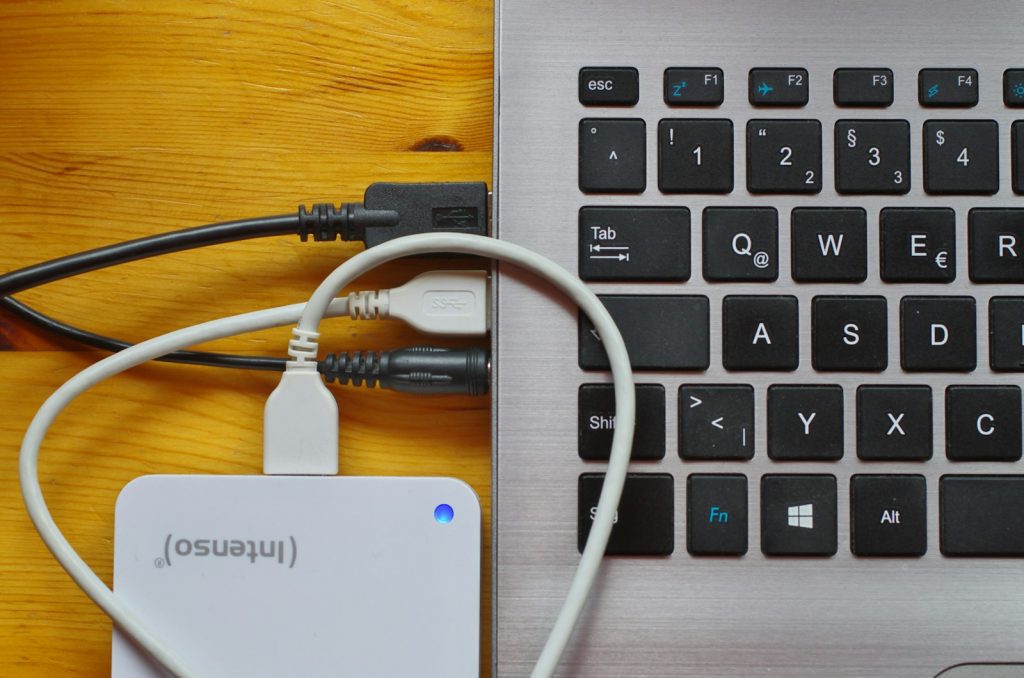
OneDrive Files On-Demand on RDP: Keep the Right Files Available
Use OneDrive Files On-Demand on a Windows RDP without confusing online-only files, local copies, synchronization, and a recoverable backup.
Read articlePractical perspectives on remote desktops, residential connectivity, and server infrastructure.
RSS feedUse OneDrive Files On-Demand on a Windows RDP without confusing online-only files, local copies, synchronization, and a recoverable backup.
Read article
A failed RDP sign-in can be caused by a saved old password, an incorrectly formatted user name, missing login permission, or deliberate abuse. Disabling th
Read article
Collect a focused Windows RDP support report with exact timestamps, bounded event-log queries, reproducible steps, and careful redaction.
Read article
A direct Remote Desktop connection and an RD Gateway can reach the same Windows host, but they expose different entry points. Choose based on who connects,
Read article
Understand RDP certificate and publisher warnings. Verify the destination, certificate details, and requested local resources before connecting.
Read article
Learn to separate RDP latency, jitter, packet loss, bandwidth, and remote-server load before spending money on an upgrade.
Read article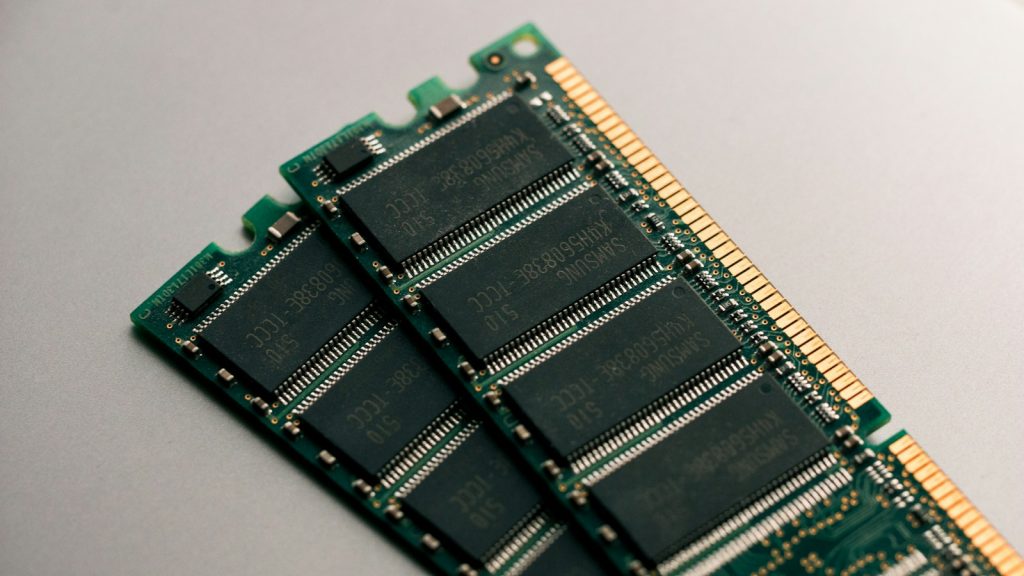
Choose RDP RAM and CPU using a repeatable workload test. Separate memory, processor, storage, and network constraints before paying for an upgrade.
Read article
Migrate a Windows RDP with an application inventory, a final data handover, verified access, and a rollback plan that avoids duplicate scheduled jobs.
Read article
Test your own website on a replacement server from Windows RDP while public DNS stays unchanged, preserving the hostname and TLS checks.
Read article