Running Crypto Trading Bots and Nodes Safely on a Residential RDP

A residential RDP can host compatible software in a remote Windows workspace, but it does not guarantee exchange access, uninterrupted execution, or profitable trading. Choose infrastructure around the application’s supported operating system, resource requirements, API permissions, and recovery behavior. Residential connectivity is only one part of that design.
This guide addresses operational security, not an investment strategy. Automated trading can lose money, and software or network failures can produce additional losses. Before using real funds, test the permitted integration in a sandbox, test network, or paper-trading environment where the software and platform support it.
Do exchange APIs prefer residential IPs?
There is no universal exchange rule that a residential address is preferable to an authorized server connection. Read the exchange’s current API and regional-access requirements. Do not use a remote desktop to conceal residence, defeat identity checks, or access a product for which the account is ineligible.
For an approved integration, a documented outbound address can matter when API keys are restricted to allowed source IPs. That requirement concerns predictable routing, not a promise that a residential label produces a higher trust score. Confirm address persistence and maintenance behavior before relying on an allowlist.
Separate the workload types
| Workload | Primary requirements | Risk to resolve first |
|---|---|---|
| Market-data dashboard | Supported browser or application, suitable RAM, permitted data access | Stale or incomplete data |
| Authorized trading bot | Supported runtime, restricted API credentials, durable state, monitoring | Unexpected or duplicate orders during failure recovery |
| Blockchain node | Supported client, storage capacity and performance, bandwidth, networking | Incomplete synchronization or exposed administrative interfaces |
| Validator or signing service | Specialized key custody, client requirements, operational safeguards | Loss of signing keys or protocol-specific penalties |
A GUI convenient for a dashboard may add unnecessary complexity to a headless service. A small desktop suitable for browsing may be unsuitable for a node’s storage growth. Consult the chosen chain’s client documentation; for example, Ethereum’s node guide distinguishes client, hardware, and operational requirements. Do not assume every node requires a GPU or that every Windows package supports hosted virtualization.
Use the least powerful API key that works
Start with read-only permissions for monitoring. Grant order-placement and cancellation permissions only to software that genuinely needs them. Avoid withdrawal permissions for a bot that has no legitimate withdrawal function. Store credentials in an approved secret-management process and keep them out of source code, screenshots, support tickets, and plain-text logs.
Kraken’s API-key guidance describes permission selection and IP restrictions. Apply the equivalent documented controls on the exchange you actually use. An IP allowlist is an additional control, not a replacement for protecting the key itself. Do not disable it casually when an address changes; investigate and update the approved configuration deliberately.
Treat continuous execution as a tested requirement
A remote machine can remove the need to keep your own laptop running, but it still depends on its host, operating system, storage, network route, and application. A provider’s premium label is not a 100% uptime commitment. Ask for the actual availability terms, maintenance process, and recovery options.
Use the application’s supported service or scheduled-execution method when unattended operation is required. Do not assume leaving a GUI open is equivalent. Test what happens when the RDP client disconnects, a user signs out, Windows restarts, and the network becomes unavailable. Those events are different, and software may respond differently to each.
Design a safe restart and reconciliation process
- Persist the minimum state needed to identify submitted requests and confirmed outcomes without storing unnecessary secrets.
- On restart, compare local state with the platform’s authoritative records before submitting new orders.
- Define a safe pause condition for uncertain state, repeated errors, or lost connectivity.
- Use an independent alert channel and an authorized operator who can stop the process or revoke credentials.
- Test recovery without real funds before relying on the process in production.
Blindly restarting a failed bot can repeat an action whose response was lost even though the exchange accepted it. The implementation must follow the API’s documented identifiers and retry semantics. Infrastructure selection does not remove that application-level responsibility.
Protect the host and keep sensitive keys elsewhere
Restrict RDP through an approved access path, use strong individual credentials, and keep protection and updates active. Do not expose node RPC or administrative interfaces publicly without an explicitly secured design. Review provider access to the running guest and avoid treating a general hosted desktop as suitable custody for seed phrases or high-value signing material.
For Windows 10 Pro, verify applicable ESU coverage or choose a supported OS. Confirm the application supports that environment, including any GPU or virtualization requirements. Our remote-access security guide explains the surrounding controls.
Evaluate ClovRDP against a written infrastructure checklist
Compare premium residential configurations when their documented network and resource characteristics fit the authorized workload. Confirm storage growth, backup options, outbound-IP persistence, maintenance behavior, and the complete Windows quote. A lighter configuration may be sufficient for observation-only dashboards; a resource-heavy node needs a separate assessment.
ClovRDP’s refund terms exclude Cheap Residential and limit eligible requests to 12 hours and 100 MB usage, with issue review and non-refundable provided Windows installation charges. Confirm the delivery-time IP guarantee’s scope separately. Node synchronization or extensive software testing can exceed that allowance quickly; the policy is not protection against trading losses or a long-duration uptime trial.
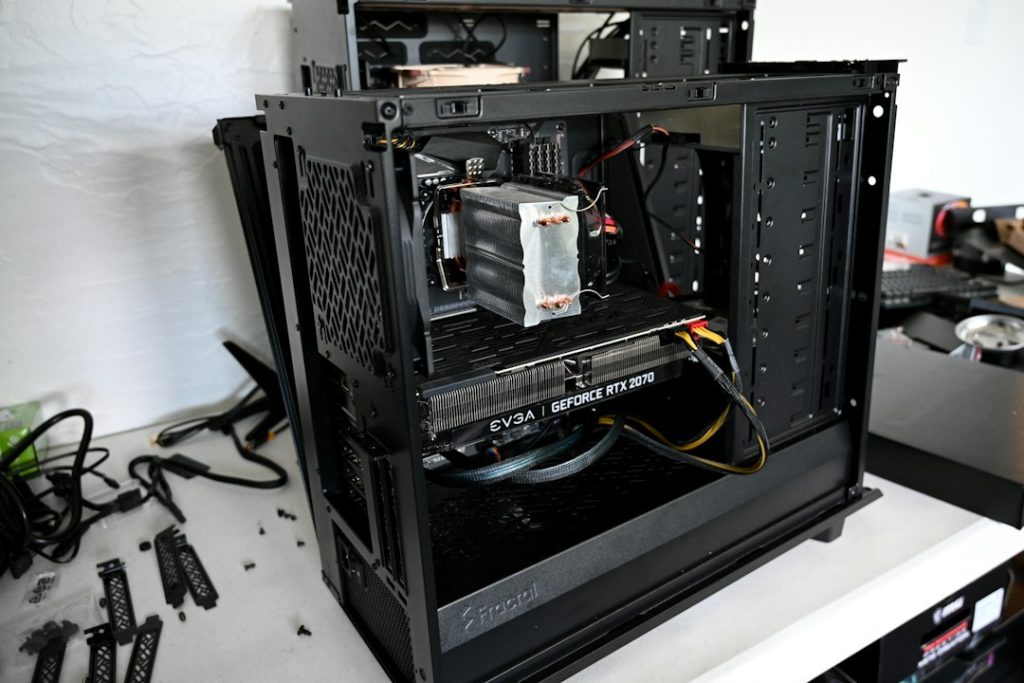
Illustrative hardware photograph by Nathan Anderson on Unsplash.
Choose infrastructure for an authorized, recoverable process. Review ClovRDP’s configurations, verify the platform and application requirements, and arrange an appropriate evaluation before production use.